Changing Email Addresses for Integrated Colleges
In this article
In this article group
- Inviting Students to a Degree using API
- Tracking Activities in LMS with Airlock SDK
- Understanding Activity Events
- Resources API Guide
- How to submit assets as file attachments in resources
- Grade Management using API
- How to Add Students?
- What does the Degree Application Process Look like for a Student?
- Manage webhook subscriptions
Automatic Email Change via API
In the Woolf system, colleges integrated via API can automate the process of changing email addresses for students and college staff members. This ensures seamless updates across systems when an email address is updated elsewhere. Here’s how you can manage this:
API Mutation: Use the following API mutation to change an email address:
mutation {
changeEmail(
email: "newemail@example.com"
id: "user_woolf_id_or_external_id"
): Boolean!
}
Important: Update the email address in Woolf after confirming its validity to ensure accurate records.
Manual Email Change
Alternatively, email addresses can be manually changed by College Admins directly within the Woolf AMS. Follow these steps:
Log in to Woolf with College Admin credentials.
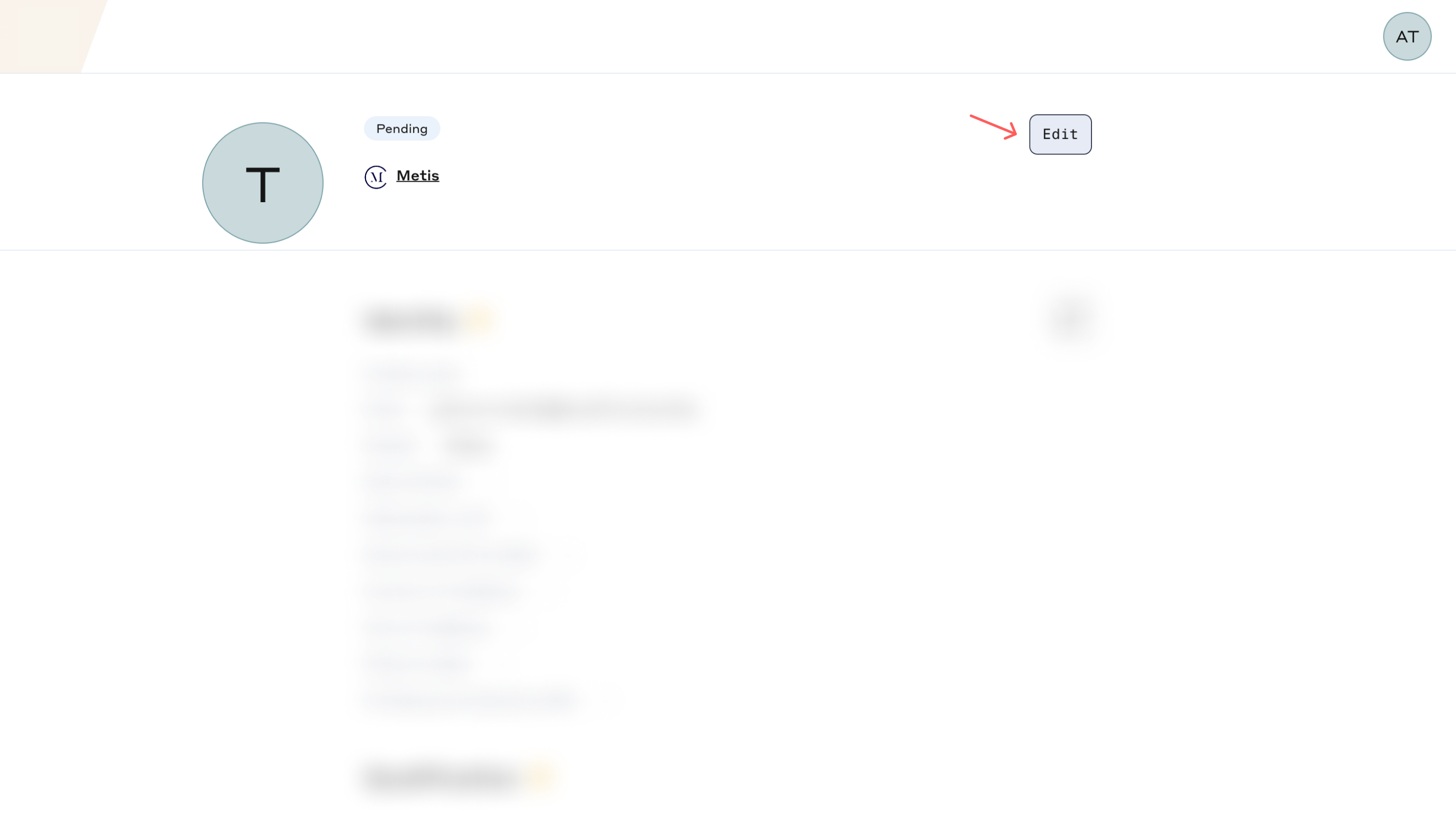
Navigate to the user profile of the student or staff member whose email needs to be updated.
Click on "Edit".
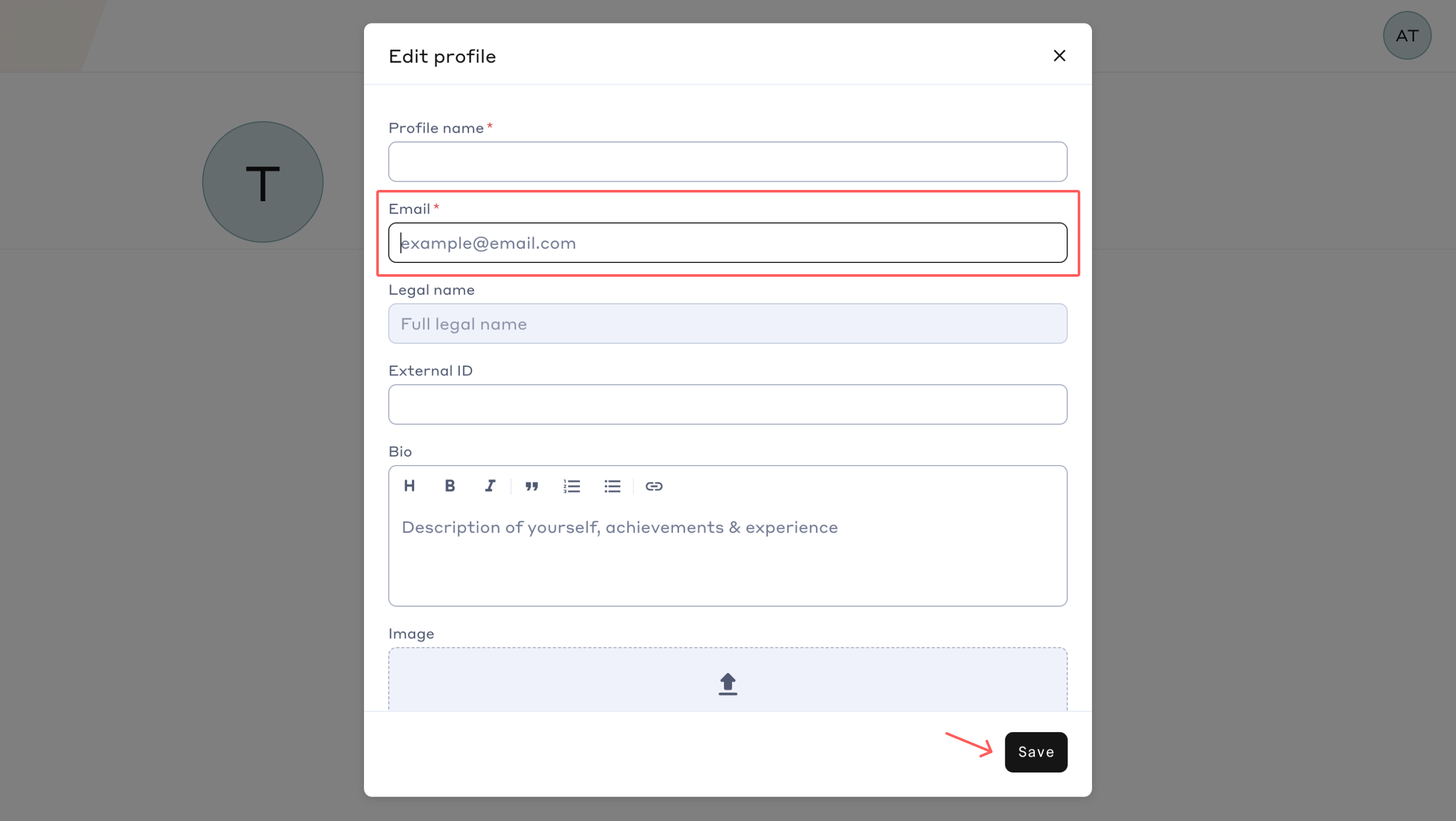
Enter the new email address.
Click "Save" to apply the changes